Introduction
Businesses today don’t suffer from lack of data — they suffer from too much data and too little clarity. Every CRM, ERP, marketing platform, website, payment gateway, and support system continuously generates information. Yet most companies still make decisions based on intuition or outdated reports.
Traditional dashboards show what happened.
AI dashboards explain why it happened and what will happen next.
This is where AI data visualization transforms business intelligence. Instead of manually creating charts and filtering spreadsheets, Artificial Intelligence automatically analyzes patterns, predicts outcomes, and presents insights visually — often before humans even think to ask the question.
In this guide you will learn:
- What AI in data visualization really means
- How it works behind the scenes
- Which AI data visualization tools businesses use
- Step-by-step implementation process
- Real business use cases
- Future of AI-powered analytics
By the end, you’ll understand how companies move from reporting data → to making decisions → to predicting outcomes.
What is AI Data Visualization?
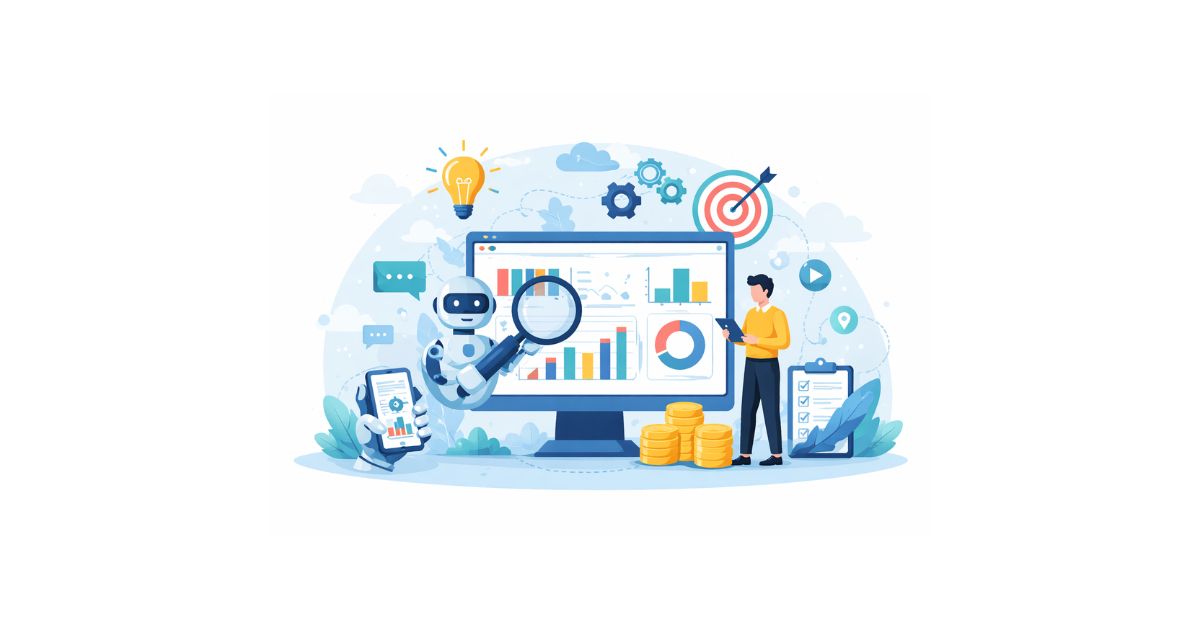
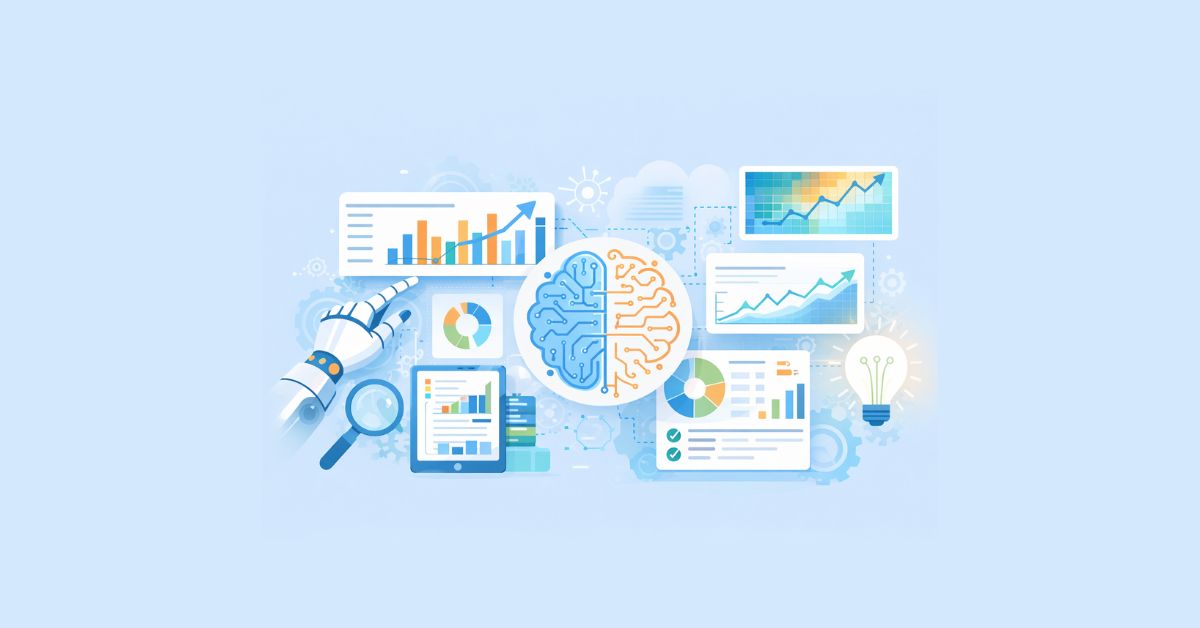
AI data visualization refers to using machine learning algorithms to analyze datasets and automatically present insights through visual formats like charts, trends, and predictive graphs. Rather than humans choosing what to analyze, the system itself identifies what is important and highlights it.
This approach transforms dashboards from reporting tools into decision tools. Businesses no longer search for insights — insights come to them.
Traditional vs AI Visualization
| Traditional | AI Powered |
|---|---|
| Static charts | Dynamic dashboards |
| Manual filtering | Automated detection |
| Historical analysis | Predictive insights |
| Human interpretation | AI explanation |
Core Technologies Behind AI Visualization
- Machine Learning – finds hidden patterns
- Natural Language Processing (NLP) – lets users ask questions in plain English
- Predictive Analytics – forecasts future outcomes
- Automated Chart Selection – AI chooses the best graph type automatically
Why Businesses Need AI in Data Visualization
Modern businesses generate more data than humans can manually interpret. Even experienced analysts cannot continuously monitor millions of records in real time. As a result, companies react late to problems like falling sales, customer churn, or operational inefficiencies.
AI continuously monitors incoming data and immediately highlights important changes. Instead of reviewing reports weekly or monthly, decision makers receive alerts instantly when something meaningful happens.
Once businesses start generating large volumes of operational data, manual analysis becomes slow and inefficient. This is where intelligent automation becomes necessary. Our AI development service enables companies to implement predictive analytics models that automatically identify trends and risks.
Business Problems Solved
- Delayed decision making
- Hidden revenue loss patterns
- Customer behavior uncertainty
- Operational inefficiencies
Capabilities AI Provides
- Predictive forecasting
- Automated anomaly detection
- Opportunity discovery
- Real-time alerts
Example:
Imagine an eCommerce company analyzing 50,000 daily transactions. A traditional BI dashboard would show sales totals, conversion rate, and traffic source. But an AI-driven visualization platform goes much deeper: it identifies that users arriving from mobile ads after 9 PM have a 40% higher purchase probability but only for products priced under ₹3,000. Simultaneously it detects that repeat customers abandon carts when delivery exceeds 3 days and forecasts that revenue next week will drop 12% if shipping delays continue. No analyst manually searched for these correlations — the system discovered them automatically, visualized them instantly, and recommended a solution. That is the real difference between reporting data and understanding data.
How AI Data Visualization Works (Step-by-Step)
AI visualization follows a structured workflow. Understanding these stages helps businesses implement the technology correctly rather than simply installing dashboards without strategy.
Step 1: Data Collection
AI connects to multiple business systems and continuously gathers data from different sources so analysis reflects complete business performance.
Sources include:
- Website analytics
- CRM
- Payment gateways
- Advertising platforms
- ERP software
- Customer support tools
Collecting data from multiple platforms is only useful when all systems communicate correctly. We implement centralized pipelines as part of our data analytics service so organizations can analyze website, CRM, and operational data in one place.
Step 2: Data Cleaning
Collected data is often inconsistent, duplicated, or incomplete. AI automatically prepares it before analysis so results are accurate and reliable.
AI performs:
- Removing duplicates
- Filling missing values
- Standardizing formats
- Detecting abnormal records
This replaces large portions of manual analyst work.
Step 3: Pattern Detection
After preparation, machine learning models examine relationships between variables to identify trends humans may never notice.
AI detects:
- Customer segments
- Purchase triggers
- Revenue drivers
- Risk indicators
Businesses receive findings automatically rather than searching manually.
Step 4: Visualization Generation
The system chooses the most suitable visual representation depending on the insight type, ensuring information is easily understandable.
| Insight Type | Visualization |
|---|---|
| Trends | Line chart |
| Comparisons | Bar graph |
| Risk | Heatmap |
| Distribution | Histogram |
| Correlation | Scatter plot |
Step 5: Predictive Recommendations
Finally, AI converts analysis into action-oriented suggestions so decision makers know what to do next instead of just reading numbers.
Examples:
- “Increase budget for this campaign”
- “High churn probability customers identified”
- “Inventory shortage expected soon”

Benefits of AI Data Visualization
AI visualization improves not only reporting speed but also decision quality. It allows organizations to move from reactive operations to proactive management based on predictive insights.
Key Benefits
Faster Decisions
Managers act immediately instead of waiting for reports.
Predictive Intelligence
Future trends become visible before they occur.
Reduced Errors
Automation eliminates manual calculation mistakes.
Personalized Dashboards
Each department views relevant information only.
Real-Time Monitoring
Live business performance tracking.
Best AI Data Visualization Tools
Different businesses require different analytics capabilities depending on scale, technical expertise, and industry. Modern BI platforms now include built-in artificial intelligence features that automate analysis and simplify reporting.
1. Tableau (Einstein Discovery)
- Automated insights
- Natural language queries
- Enterprise-level analytics
Best for: Large organizations
2. Microsoft Power BI (Copilot AI)
- Ask questions in plain English
- Auto-generated dashboards
- Strong integration with Excel
Best for: Corporate teams
3. Google Looker Studio
- Marketing analytics focus
- Cloud-based dashboards
- AI integrations
Best for: Digital marketing agencies
4. Qlik Sense
- Associative analytics engine
- Pattern exploration
Best for: Operational analytics
5. ThoughtSpot
- Search-driven BI
- Automated insights
Best for: Fast decision environments
AI Data Visualization Across Industries
Although the technology remains the same, its business value differs by industry because each sector faces unique operational challenges and decision cycles.
Industry Applications
E-commerce – demand forecasting and personalization
Healthcare – patient risk detection
Finance – fraud monitoring
Marketing – campaign optimization
Manufacturing – predictive maintenance
You may also want to read our practical guide on 4 Types of Data Analytics & How to Use for Your Business
Challenges and Limitations
Despite its advantages, AI visualization requires proper preparation and realistic expectations. Organizations must treat it as a decision support system rather than a magic replacement for human thinking.
Limitations
- Requires clean data sources
- Implementation investment
- Staff training
- Privacy compliance
AI enhances analysts rather than replacing them.
Future of AI in Data Visualization
Analytics is moving toward conversational intelligence where users interact with data using natural language instead of dashboards. Decision making will become faster and more accessible even for non-technical teams.
Soon executives will simply ask a question and instantly receive a visual explanation along with recommended actions.
Future Trends
- Voice-based analytics assistants
- Fully automated reporting
- Self-learning dashboards
- No-code BI tools
- AI decision copilots
Conclusion
AI data visualization converts business intelligence from passive reporting into active decision guidance. Organizations adopting it gain speed, clarity, and competitive advantage because they understand problems before they become visible in reports.
Companies that rely only on dashboards react to events.
Companies using AI analytics anticipate them.
Most companies already collect data but still rely on manual reporting and delayed decisions. Implementing AI data visualization requires structured data pipelines, model training, and properly designed dashboards.
We help businesses transform raw data into automated decision systems through:
- Centralized data collection architecture
- Predictive analytics implementation
- Automated dashboard creation
- Operational performance monitoring
- Business forecasting models
👉 Talk to our team about your project
- Data Analytics Setup
- AI Development Implementation
FAQs
It automatically analyzes data and shows insights visually using machine learning.
To predict trends, detect anomalies, and recommend actions.
Tableau, Power BI, Looker Studio, Qlik Sense, ThoughtSpot.
Yes — many tools now offer cloud-based affordable plans.
Using dashboards for reporting instead of decision-making.