
Introduction
In the fast-paced world of e-commerce, speed isn’t just a luxury—it’s the currency of success. As we approach 2026, the “old ways” of setting up Shopify stores (manual file uploads, editing code directly in the browser, and clicking through endless admin panels) are officially obsolete.
For developers and agencies, the margin for error is shrinking. Clients demand lightning-fast turnaround times, headless architectures, and highly customized experiences that load in milliseconds. If you are still relying on a basic setup workflow, you are leaving money and time on the table.
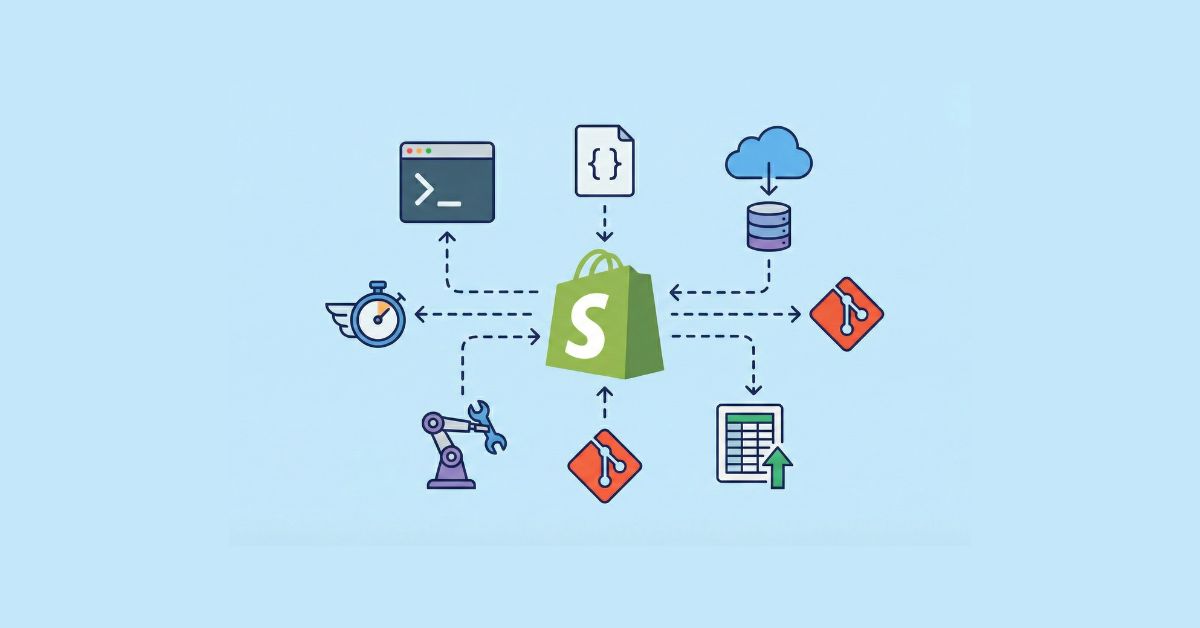
Whether you are building your first store or managing a portfolio of enterprise clients, your tech stack determines your efficiency. In this guide, we break down the 7 essential Shopify development tools that are defining the workflow standards of 2026. These tools don’t just help you code faster; they automate the boring stuff so you can focus on building brilliance.
1. Shopify CLI 3.x (The Command Line Interface)
Category: Local Development Environment
If there is one non-negotiable tool for Shopify development in 2026, it is the Shopify CLI (Command Line Interface). Gone are the days of Theme Kit and watching slow file uploads. The modern CLI 3.0+ architecture is the backbone of any professional developer’s workflow.
Why It Accelerates Setup
The Shopify CLI allows you to develop themes, apps, and extensions locally on your machine while syncing changes to a development store in real-time. It introduces Hot Module Replacement (HMR), meaning when you save a CSS or Liquid file in your text editor, the browser updates instantly without a full page reload.
Key Features for Speed:
- Instant Initialization: Run a single command (shopify theme init) to clone a Dawn-based theme and start working immediately.
- Safe Sandbox: It creates “development themes” that are invisible to live customers, allowing you to test risky changes safely.
- App Scaffold: If you are building custom apps, the CLI generates the entire backend/frontend structure (Node, Ruby, or PHP) in seconds.
Pro Tip for 2026: Use the CLI to pull down the live theme settings (shopify theme pull) before you start working. This ensures you aren’t overwriting any content changes the merchant made via the Theme Editor while you were away.
2. Shopify GitHub Integration
Category: Version Control & Deployment
“I forgot to save the file.” “Who overwrote my code?” These phrases should be extinct in your 2026 workflow. The native Shopify GitHub Integration has completely replaced manual theme zipping and uploading. It connects a specific branch in your GitHub repository directly to a theme in your Shopify store.
Why It Accelerates Setup
It automates deployment. The moment you push code to your main branch on GitHub, Shopify automatically updates the live theme. This creates a Continuous Integration/Continuous Deployment (CI/CD) pipeline without needing complex third-party tools like Jenkins or CircleCI.
Key Features for Speed:
- Collaboration: Multiple developers can work on different features (branches) and merge them without conflict.
- Instant Rollbacks: Did a deployment break the checkout UI? You can revert to the previous commit in GitHub instantly, restoring the site to its working state in seconds.
- Theme Protection: It prevents non-developers from editing the code directly in the Shopify Admin, ensuring your “source of truth” is always clean.
3. Matrixify (formerly Excelify)
Category: Data Migration & Bulk Management
Building the theme is only half the battle; populating the store with data is often the bottleneck. If you are migrating a client from Magento, WooCommerce, or WordPress to Shopify, Matrixify is the heavy lifter you need.
Why It Accelerates Setup
Manually creating 500 products, assigning collections, and uploading images one by one can take days. Matrixify allows you to do this in minutes via Excel or CSV sheets. It is far more robust than Shopify’s native importer, handling complex data structures that the native tool rejects.
Key Features for Speed:
- Bulk Image Uploads: It scrapes images from the old website URLs and uploads them to Shopify CDN automatically.
- Metafields Migration: Essential for 2026 stores that rely heavily on Metafields and Metaobjects. Matrixify lets you map these complex data points in bulk.
- Smart Collections: You can define automated collection rules in the spreadsheet, so the site structure is built the moment the import finishes.
2026 Use Case: Use Matrixify to clone a “Master Store” setup. If you build similar stores for a niche (e.g., jewelry), keep a master template CSV with all your standard pages, policies, and navigation menus. Import it into a new store to save 5+ hours of manual admin clicking.

4. Shopify Liquid Extension for VS Code
Category: Code Editor Enhancement
Most Shopify developers use Visual Studio Code (VS Code). However, out of the box, VS Code treats Liquid files like plain text. The official Shopify Liquid Extension transforms your editor into a Shopify-aware powerhouse.
Why It Accelerates Setup
It reduces syntax errors and typing time. The extension provides intelligent autocomplete for Shopify objects, filters, and tags. Instead of tabbing out to the documentation to remember if it’s product.featured_image or product.first_image, the editor tells you.
Key Features for Speed:
- Syntax Highlighting: Makes code readable and highlights broken tags immediately.
- Snippet Completion: Type “for” and hit tab to instantly generate a full {% for product in collection.products %} loop structure.
- Hover Documentation: Hover over a Liquid tag to see exactly what it does and what parameters it accepts, right inside the editor.
5. Gadget.dev
Category: Backend App Development
In 2026, “standard” stores are rare. Most merchants need some custom functionality—a custom bundle builder, a unique subscription flow, or a wholesale portal. Gadget.dev is a serverless stack designed specifically for building Shopify Apps in record time.
Why It Accelerates Setup
Building a custom app traditionally requires setting up a server, configuring a database, handling Shopify’s OAuth (authentication), and managing webhooks. Gadget does all of this automatically. You connect it to a store, and within minutes, you have a scalable backend with a Postgres database that is already synced with Shopify’s data.
Key Features for Speed:
- Instant Webhook Handling: It automatically listens to Shopify webhooks (like order/created) without you writing configuration code.
- Auto-Generated API: It creates an API for your data instantly, which your storefront (Liquid or Headless) can query immediately.
- Scalability: You don’t need to worry about server maintenance or uptime; it scales as the merchant grows.
6. Mechanic (UseMechanic)
Category: Workflow Automation
Think of Mechanic as “Zapier for Developers,” but infinitely more powerful. It is a development platform that runs snippets of Liquid code in response to events. It allows you to build custom logic without building a full app.
Why It Accelerates Setup
Instead of hiring a developer to build a private app for a small task (e.g., “Auto-tag customers who buy product X as VIP”), you can write a 10-line script in Mechanic. It bridges the gap between simple setup and complex engineering.
Key Features for Speed:
- The Task Library: Mechanic has a massive library of pre-written scripts. Need to hide out-of-stock products? There is a script for that. Need to email the warehouse when a specific SKU sells? Copy, paste, enable.
- Serverless Logic: You don’t need to host these scripts anywhere. Mechanic runs them on their infrastructure.
Pro Tip: For store setup, use Mechanic to automate data cleanup. Write a script to “Delete all products with no images” or “Unpublish products with 0 inventory” to instantly clean up a messy catalog import.
7. Theme Check
Category: Quality Assurance (Linter)
Speed is useless if the site breaks on launch day. Theme Check is a linter for Liquid and JSON that scans your theme code for errors, performance issues, and best practice violations. It is now integrated directly into the Shopify CLI.
Why It Accelerates Setup
Debugging is the biggest time-killer in development. Theme Check identifies issues while you code, preventing the dreaded “deploy and pray” scenario. It ensures your code is clean, compliant, and performant before it ever touches a live server.
Why It Accelerates Setup
- Performance auditing: It warns you if you are using too many heavy loops or huge images that will kill your Core Web Vitals score.
- Translation checks: It alerts you if you are using hardcoded text instead of translation keys (vital for multi-language stores).
- Syntax validation: Catches missing endif or endfor tags instantly.
Choosing the Right Tools for Your Project
Not every Shopify store needs every tool. The key is understanding your project requirements.
- Simple stores: Shopify CLI + Theme Kit + performance tools
- Marketing-focused stores: Shopify CLI + page builder + SEO testing
- High-performance stores: Hydrogen + GitHub + Lighthouse
- Custom apps: Shopify CLI + Polaris + GitHub
Choosing the right stack upfront saves time, money, and frustration later.
Is Your Current Shopify Store Slowing You Down?
If your site isn’t loading instantly, you’re losing customers. We specialize in optimizing Shopify themes using the latest CLI and performance tools mentioned in this guide. Let us audit your store and speed up your setup.
Conclusion: The 2026 Workflow
The difference between a junior developer and a senior Shopify architect is often the tools they wield. By integrating these 7 tools into your stack, you move from “building pages” to “engineering systems.”
The Ideal 2026 Workflow looks like this:
- Initialize with Shopify CLI.
- Connect to GitHub for version control.
- Write code in VS Code with the Liquid Extension and Theme Check guiding you.
- Import bulk data using Matrixify.
- Handle custom backend logic with Gadget.dev.
- Automate maintenance tasks with Mechanic.
Don’t let manual processes slow you down. Pick one of these tools you aren’t currently using and implement it in your next project. Your future self (and your clients) will thank you.